










Steam cards have become a popular gift option for gamers worldwide, offering an easy way to buy games, software, and hardware on the Steam platform. In this blog post, we will explore the different pictures of Steam cards and how to identify them
Pictures of steam cards
Pictures of a Physical steam card
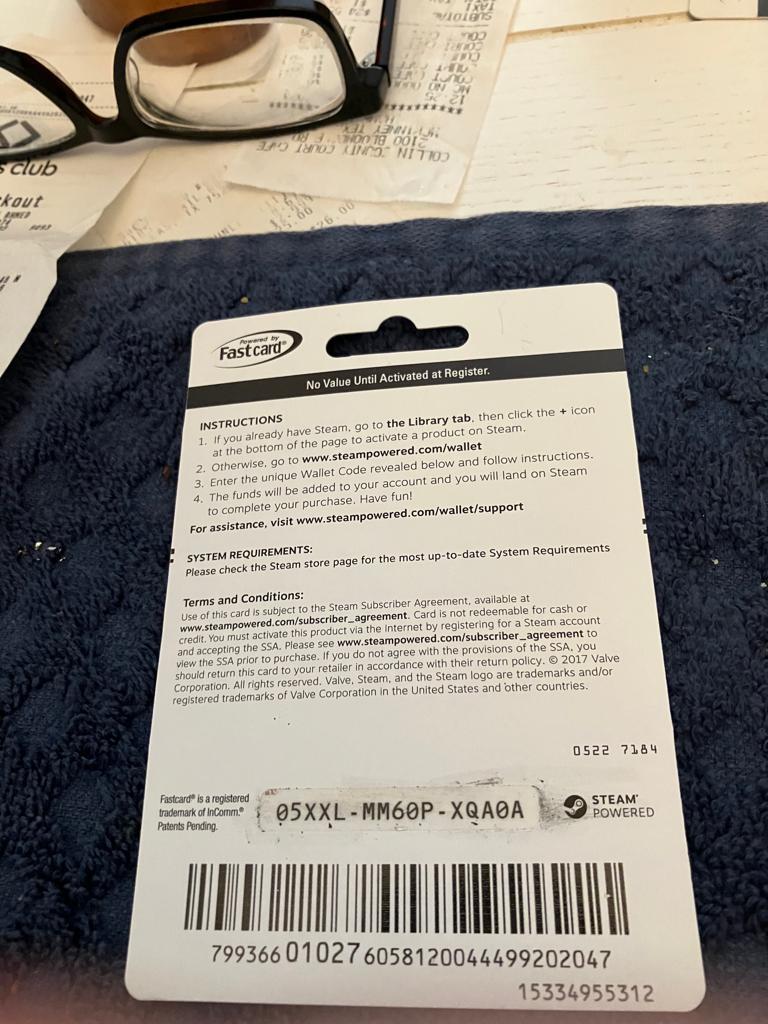
Pictures of a Paper steam card code
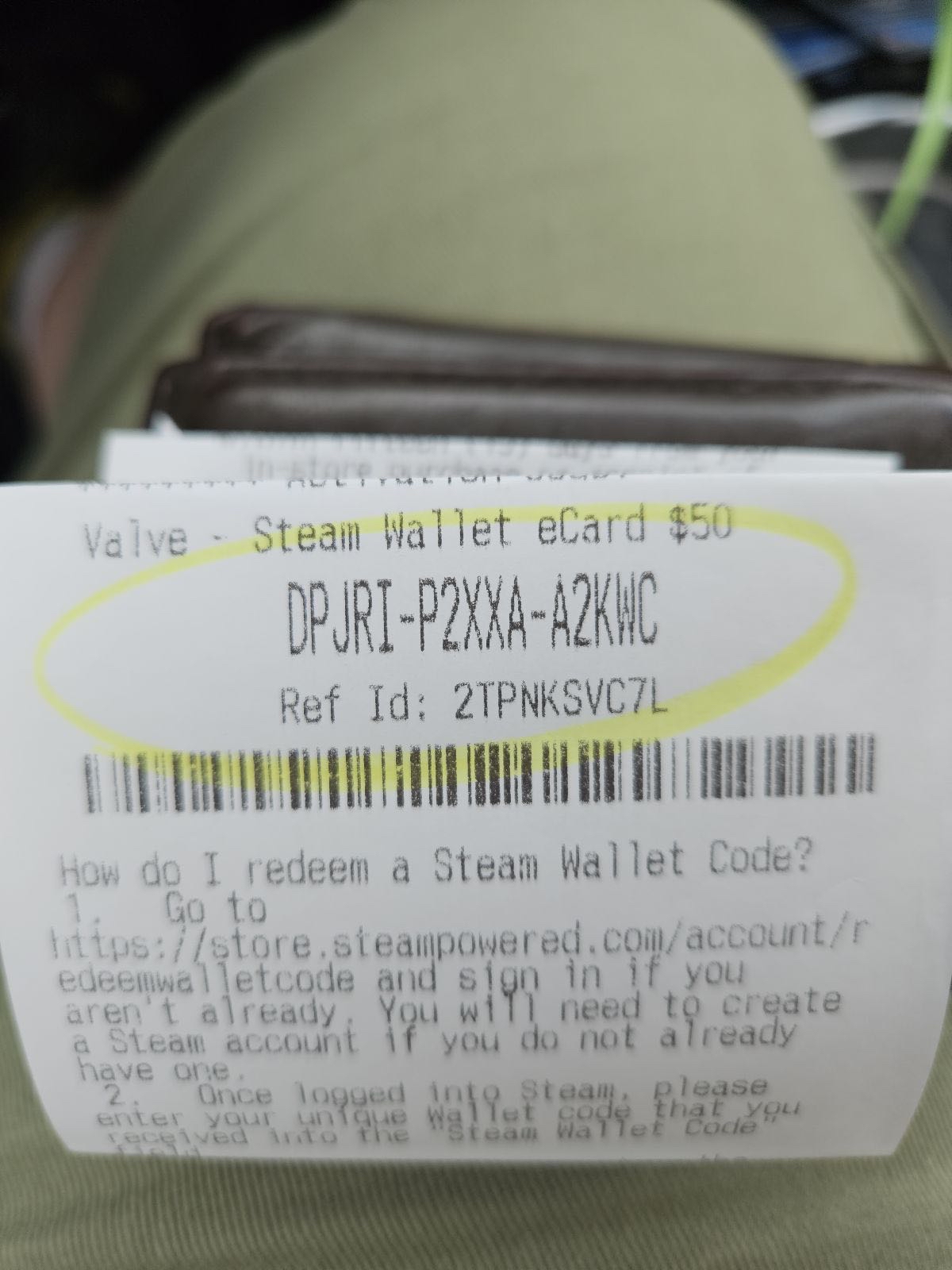
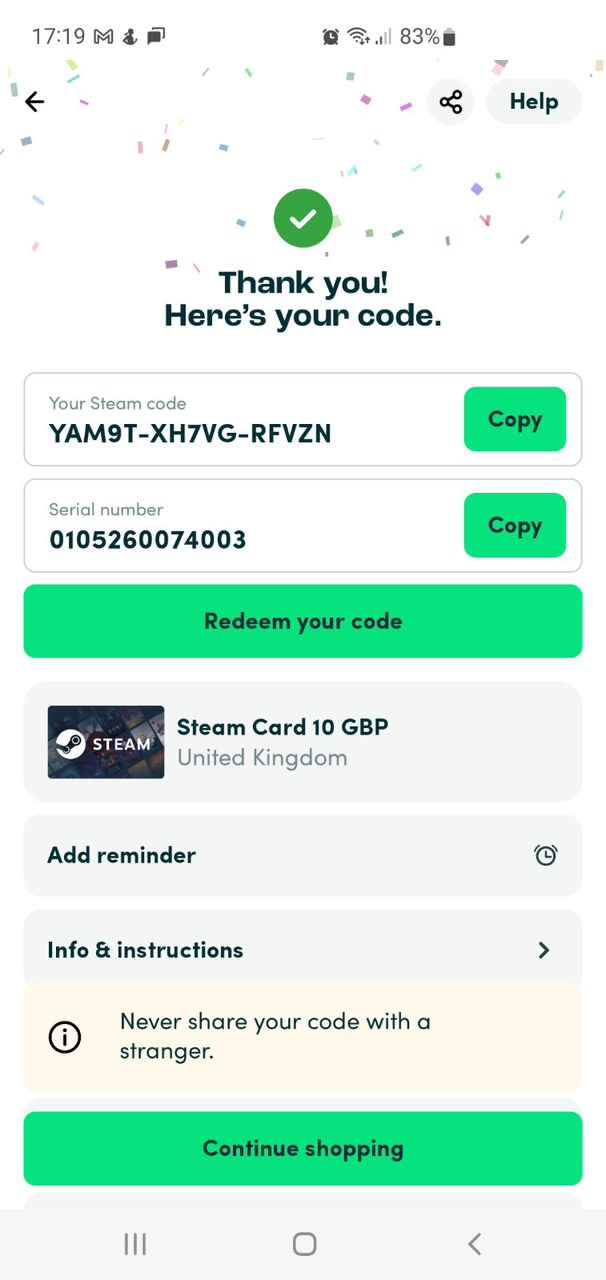
Pictures of An Online steam card (E- code)
How to Sell Steam Gift Cards on 1minutepay
1minutepay is the top choice for trading your Steam gift card, and it’s easy to see why. Not only does it offer the most competitive rates, but it’s also a highly secure and user-friendly platform. To sell your Steam Gift Card for Naira on 1minutepay, follow these steps:
-
To begin, first visit either the Google Play Store for Android or the Apple Store for iPhone and download the app.
-
If you don’t already have an account, create one for free, which should only take a few minutes. After creating your account, verify it by Confirming your email address. Once you have completed the verification process, you can begin trading.
-
Select Sell Giftcards & Choose the type of gift card you want to sell (in this example, Steam), and provide all necessary details such as the country, card type (physical or ecode), and subcategory (receipt/no receipt, debit receipt, credit card, etc.).
-
The current exchange rate will be displayed, and if you have a physical card, you can upload an image of it, or if you have an ecode, you can enter it manually.
-
Once you have completed all the necessary steps, proceed with the trade.