









To register for MTN Mobile Money, you will need:
-
An active MTN SIM card.
-
A valid photo ID, such as a National ID Card, Passport, Driver’s License, or Voter’s ID Card.
-
A mobile phone capable of accessing the MTN network.
Registration Process
There are two primary methods of registering for MTN Mobile Money: in-person and online.
In-person Registration
-
Visit the nearest MTN Mobile Money Authorized Merchant or Service Center with your valid photo ID card.
-
The Merchant or representative will capture your personal details and provide you with a Mobile Money SIM card.
-
Insert the Mobile Money SIM card into your phone. You will receive an SMS asking you to register.
-
Go to “My MTN” on your mobile phone and select “Mobile Money.”
-
Select “Register” and enter your photo ID type and number.
-
Choose and repeat a 4-digit Mobile Money PIN.
-
You will receive a welcome message on your phone, confirming your registration.
Online Registration
-
Visit the
.
-
Click “Register” for first-time users.
-
Enter your phone number (username) and preferred Mobile Money PIN.
-
Input the captcha displayed below your username.
-
Enter the one-time password (OTP) sent to your phone.
-
Create a password you can remember or keep the generated one, as long as you can remember it.
-
Repeat the password in the third space and click “Continue.”
-
Authorize web access from your phone by dialing
1261#.
MTN Mobile Money PIN Security
Keeping your MTN Mobile Money PIN secure is crucial for protecting your funds and preventing unauthorized transactions. Follow these guidelines to ensure the safety of your PIN:
-
Do not share your PIN with anyone, including MTN representatives or agents.
-
Avoid using easily guessable PINs, such as your birthdate, phone number, or sequential numbers.
-
Update your PIN regularly to reduce the risk of unauthorized access.
-
If you suspect that someone has gained access to your PIN, change it immediately and report the issue to MTN Customer Support.
Transacting with MTN Mobile Money
Once registered, you can perform various transactions using MTN Mobile Money:
-
Send Money
: Transfer funds to other Mobile Money users or non-users.
-
Airtime and Bundles
: Purchase airtime or data bundles for yourself or others.
-
MoMoPay
: Pay for goods and services at participating merchants.
-
Payments
: Settle bills, school fees, and other expenses.
-
Cash Out
: Withdraw funds from your Mobile Money wallet at an agent or ATM.
-
Savings and Loans
: Access financial products, such as savings accounts and loans.
-
Financial Services
: Integrate with banks for seamless deposits and withdrawals.
MTN Mobile Money Banking Integration
MTN Mobile Money can be linked to your bank account, allowing you to deposit and withdraw funds between the two platforms. To access this feature:
-
Dial *156# from your registered MTN Mobile Money phone.
-
Select option 7 for Financial Services.
-
Choose your desired bank.
-
Follow the prompts to deposit or withdraw funds and check your bank account balance.
MTN Mobile Money App
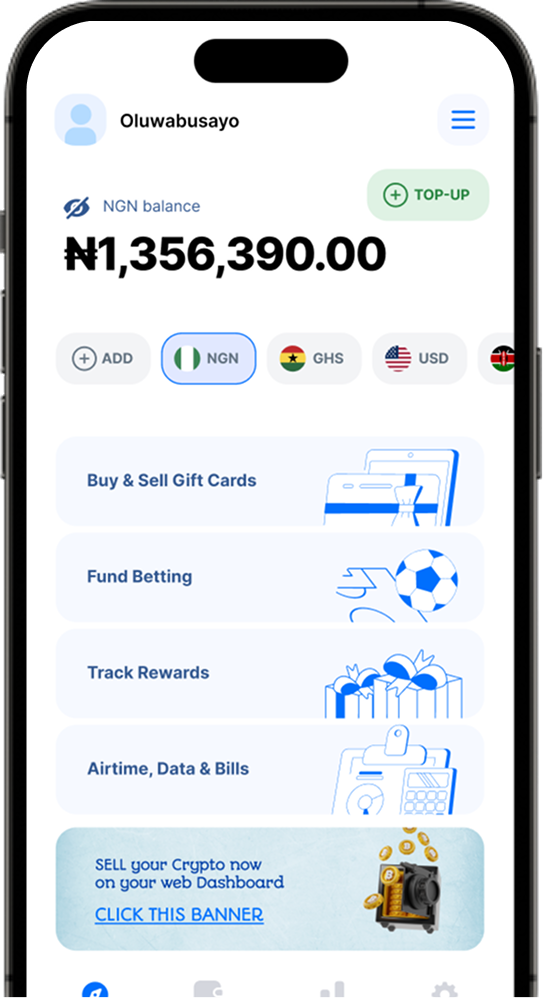
The MTN Mobile Money App offers a convenient way to manage your Mobile Money wallet and access MTN services. Key features include:
-
A user-friendly interface for performing transactions.
-
Access to exclusive offers and promotions.
-
Integration with your phone’s contact list for seamless transfers.
-
Enhanced security features, such as biometric authentication.
The app is available for download on both Android and iOS devices via the Google Play Store or Apple App Store.
Troubleshooting and Customer Support
If you encounter any issues while using MTN Mobile Money, follow these steps:
-
Consult the available help resources, such as the MTN Mobile Money website or app FAQ section.
-
If your issue persists, contact MTN Customer Support by dialing 100 from your registered MTN Mobile Money phone.
-
Provide the necessary information, such as your name, phone number, transaction details, and a description of the issue.
MTN representatives are available to assist you with any concerns or questions you may have.
Conclusion
MTN Mobile Money offers a convenient and secure platform for managing your finances and performing transactions. By following the steps outlined in this guide, you can quickly register for MTN Mobile Money and take advantage of its many benefits. Remember to keep your PIN secure and reach out to MTN Customer Support if you encounter any issues or have questions about the service.