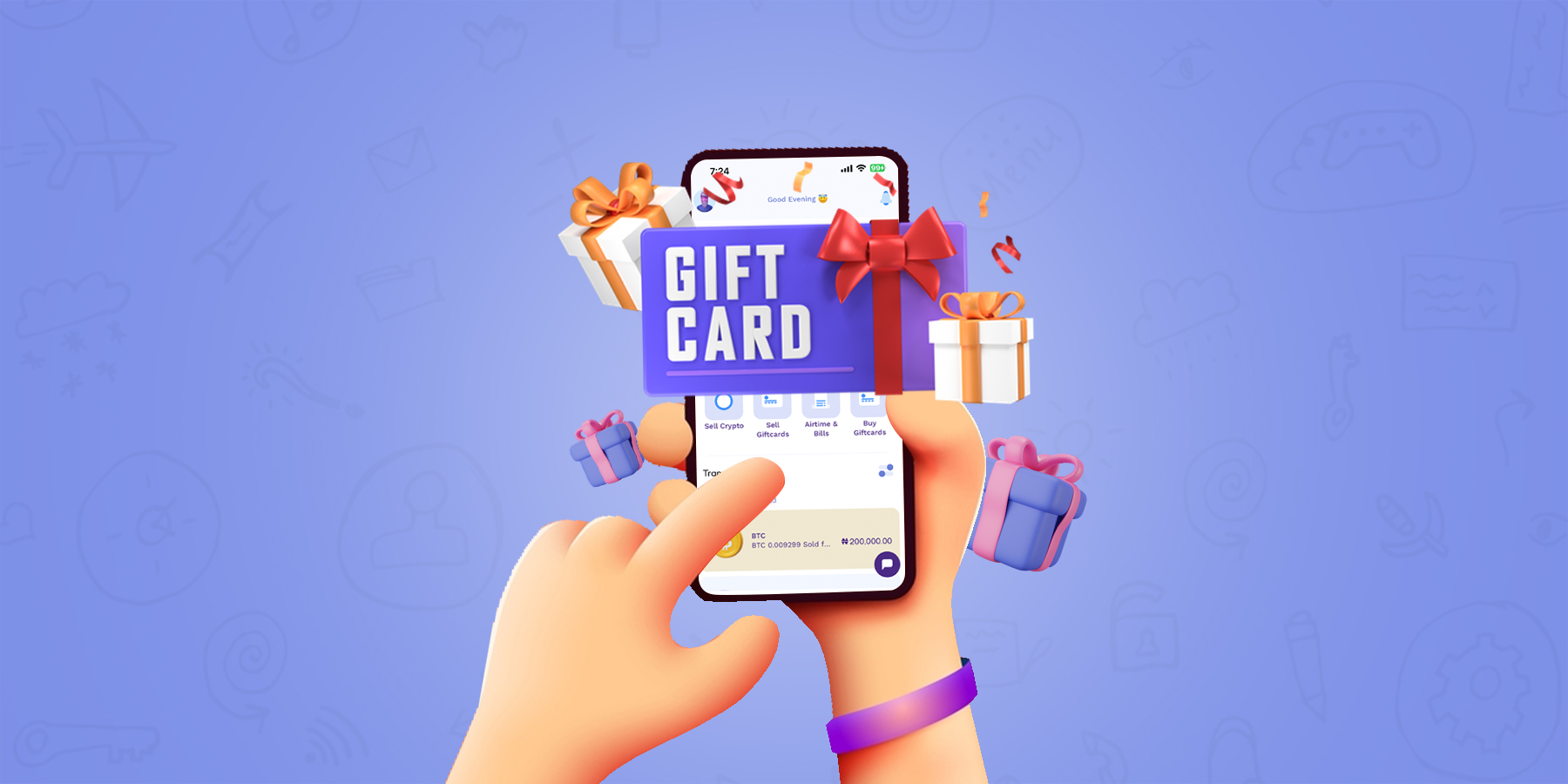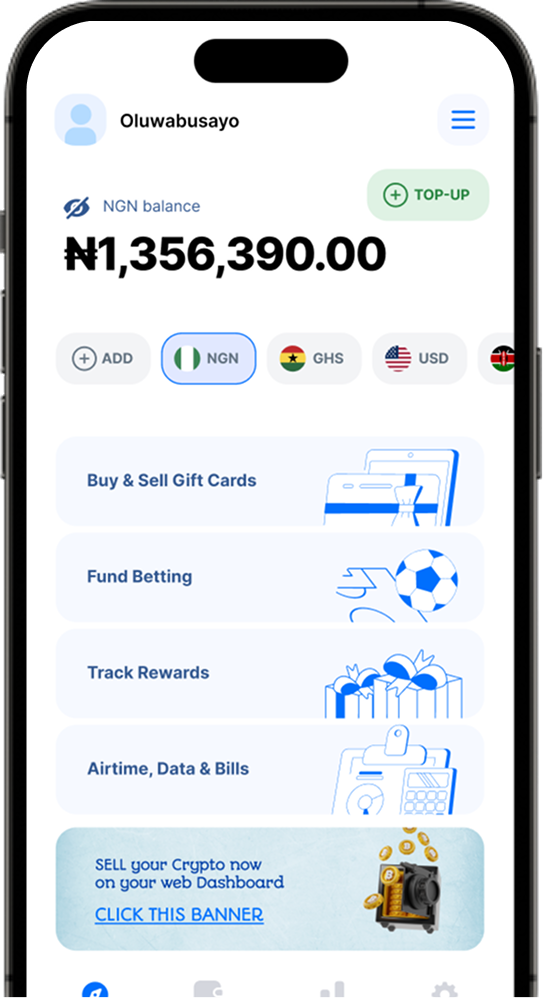









At 1minutepay.com, the current price for a $100 iTunes gift card is #44,000 Naira. To discover the current rates for various gift cards in Nigeria, you may use our Gift card rate calculator.
What is an iTunes Gift Card?
An iTunes Gift Card is a prepaid card that allows you to purchase digital content from Apple’s iTunes Store, App Store, iBooks Store, and Mac App Store. These cards come with a specific value, which can be used to buy music, movies, TV shows, apps, books, and more.
When you redeem an iTunes Gift Card, the funds are added to your Apple ID account balance, which you can then use to make purchases on any Apple device that is signed in to your account. This makes it easy to buy content without having to enter credit card information each time. iTunes Gift Cards are a popular gift option for Apple fans or anyone who enjoys digital content.
How Much Is A $100 iTunes Gift Card In Nigeria?
The value of iTunes gift cards fluctuates due to various social and economic factors. Market forces of supply and demand determine the price of iTunes cards. Presently, the cost of a $100 iTunes card is $270, equivalent to 27,000 naira, as per the 1minutepay gift card rate calculator. 1minutepay is a reputable online marketplace that facilitates the trading of various iTunes gift cards in Nigeria, ensuring a secure and seamless transaction.
Notably, other prices of iTunes gift cards on 1minutepay are as follows:
-
USA iTunes/Apple Store physical gift card (100) – $320
-
USA iTunes/Apple Store Ecode (100) – $230
-
USA iTunes Ecode – $200
-
Canada iTunes physical gift card – $90
-
Australia iTunes physical gift card – $100
-
UK iTunes physical gift card – $350
-
Switzerland iTunes physical gift card – $380
How To Redeem iTunes Gift Card In Nigeria
-
Scratch the coated area above the bar code on your iTunes gift card to reveal the hidden code. Use this code to redeem your card on the iTunes store.
-
Sign up for an Apple ID or log in to your existing iTunes account on the iTunes Store.
-
Access the account menu and select “Redeem”.
-
Enter the code and click “Redeem”. The amount will be immediately added to your iTunes account balance.
How To Sell $100 iTunes Gift On 1minutepay
-
To begin, create an account and log in to the platform.
-
Locate the “Sell GiftCards” button and click on it.
-
proceed to Select iTunes then,
-
Select the appropriate category, which in this case is iTunes gift cards.
-
Specify whether your gift card is a physical card or an Ecode card.
-
Enter the amount you want to sell, which is $100, under the “Amount” section.
-
Optionally, you can upload an image of your iTunes gift card. If you have an Ecode card, you can leave the upload section empty and enter the Ecodes in the comment section.
-
Then Finally, click on COMPLETE TRADE.
TRADE SUBMITTED! You’ll get feedback in a few minutes. Go have some fun!
Conclusion
If you have a $100 iTunes gift card to sell, it holds significant value, but it’s crucial to ensure you trade it on a trustworthy gift card trading platform that offers a reasonable price for your card.