








Benefits of Using Google Play Gift Cards
One of the main benefits of using Google Play gift cards is that they provide a convenient way to make purchases without the need for a credit card or bank account. This is particularly useful for people who do not have a credit card or who are concerned about the security of their online transactions.
Another benefit of using Google Play gift cards is that they can be used to purchase a wide range of items from the Google Play store. This includes apps, games, music, movies, TV shows, books, and more. With so many options available, there is something for everyone on Google Play.
Google Play gift cards also make great gifts for friends and family. Whether it’s a birthday, anniversary, or other special occasion, a Google Play gift card is a thoughtful way to show someone you care. And since they can be used to purchase a wide range of items, the recipient is sure to find something they love.
How to Buy Google Play Gift Cards Online
Buying Google Play gift cards online is easy and convenient. There are several websites that sell Google Play gift cards, including Amazon, Walmart, Target, Best Buy, and more. To buy a Google Play gift card online, simply visit one of these websites and select the gift card you want to purchase.
You will then be prompted to enter your payment information and shipping address. Once you have completed the checkout process, the gift card will be delivered to you either electronically or by mail, depending on the website you used to make the purchase.
Where to Find Google Play Gift Cards Online
Google Play gift cards can be found on a variety of websites, including Amazon, Walmart, Target, Best Buy, and more. They can also be purchased directly from the Google Play store. To find Google Play gift cards online, simply search for them on your favorite e-commerce website or visit the Google Play website and click on the “Gifts” tab.
How to Redeem Google Play Gift Cards
Redeeming a Google Play gift card is easy. Simply follow these steps:
-
Open the Google Play app on your Android device or visit the Google Play website on your computer.
-
Select the item you want to purchase.
-
At checkout, select “Redeem” as your payment method.
-
Enter the code on the back of your gift card and click “Redeem.”
Once you have redeemed your gift card, the funds will be added to your Google Play account and can be used to make purchases.
Google Play Gift Card Discounts and Promotions
If you’re looking to save money on your Google Play purchases, there are several ways to do so. One option is to look for Google Play gift card discounts and promotions. These can be found on a variety of websites, including Amazon, Walmart, Target, Best Buy, and more.
Another way to save money on your Google Play purchases is to take advantage of Google Play’s special deals and promotions. These can include discounted items, free items, and more. To stay up-to-date on these promotions, be sure to check the Google Play website regularly.
Free Google Play Gift Cards – Fact or Fiction?
While there are websites that claim to offer free Google Play gift cards, it’s important to be cautious. Many of these websites are scams that require you to complete surveys or download apps in order to receive a gift card. In many cases, these websites will never actually give you a gift card, and may even steal your personal information.
That being said, there are legitimate ways to earn free Google Play gift cards. For example, some websites offer rewards for completing online tasks, such as watching videos or playing games. These rewards can be redeemed for Google Play gift cards.
Using Google Play Gift Cards to Purchase Apps, Games, and Media
One of the great things about Google Play gift cards is that they can be used to purchase a wide range of items from the Google Play store. This includes apps, games, music, movies, TV shows, books, and more. With so many options available, there is something for everyone on Google Play.
To use your Google Play gift card to make a purchase, simply select the item you want to buy and follow the checkout process. At checkout, select “Redeem” as your payment method and enter the code on the back of your gift card. The funds will be added to your Google Play account and can be used to make the purchase.
Google Play E-Gift Cards vs Physical Gift Cards
When buying Google Play gift cards online, you may come across both e-gift cards and physical gift cards. E-gift cards are delivered electronically, while physical gift cards are delivered by mail.
There are benefits to both types of gift cards. E-gift cards are convenient because they can be delivered instantly and can be used immediately. Physical gift cards, on the other hand, make great gifts because they can be wrapped and given in person.
Conclusion
In conclusion, Google Play gift cards are a convenient and versatile way to make purchases on the Google Play store. They can be used to buy apps, games, music, movies, TV shows, books, and more, and are a great gift for friends and family. By buying Google Play gift cards online, you can enjoy instant access to your favorite items and take advantage of discounts and promotions. So why not buy a Google Play gift card today and start enjoying all that Google Play has to offer!

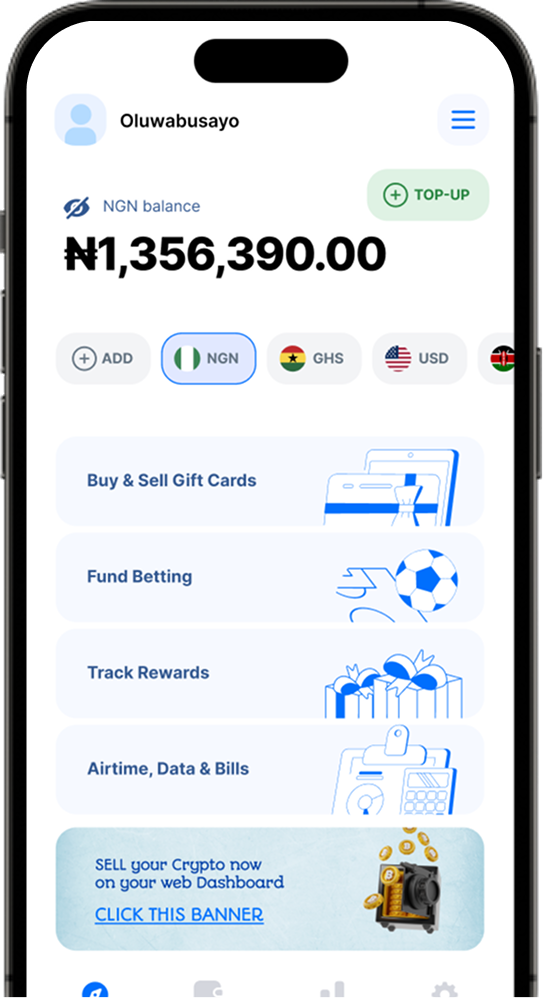
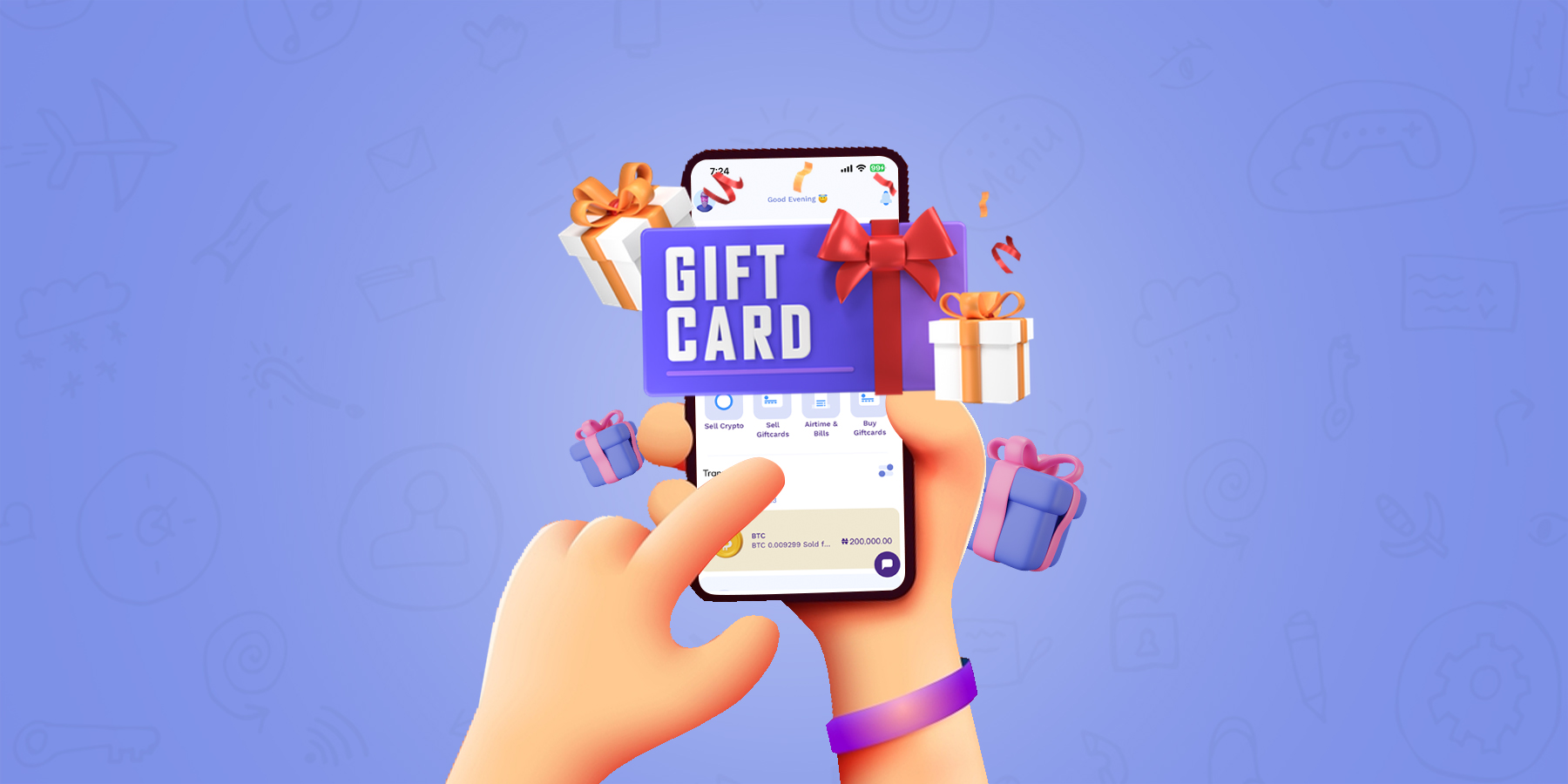
1minutepay has definitely proven to be the best app to redeem gift cards in Nigeria. Its unparalleled convenience and reliability have made it the go-to platform for all gift card transactions. With its availability on the web, iOS and Playstore, you can easily access it from anywhere and at any time. Moreover, if you are looking for a trustworthy platform to sell BTC to Naira, then 1minutepay should be your first choice. Its secure and fast transaction process guarantees a hassle-free experience for all its users.