







-
Visit Amazon.com and log in to your account (or create one if you haven’t already).
-
Navigate to the “Your Account” section and click on “Gift cards.”
-
Click on “Redeem a Gift Card” and enter the unique claim code found on your gift card.
-
Click “Apply to your balance,” and the gift card amount will be added to your account balance.
Now, you can use the gift card balance to shop for eligible products on Amazon. The balance will be automatically applied to your purchase during checkout.
Common Questions About Amazon Gift Cards
1. Can I use an Amazon Gift Card on multiple purchases?
Yes, you can use your gift card balance for multiple purchases until the entire balance is used up. If your purchase exceeds the available balance, you’ll need to pay the remaining amount using another payment method.
2. Do Amazon Gift Cards expire?
No, Amazon Gift Cards do not have an expiration date. You can use them at any time to make purchases on Amazon.com.
3. Can I transfer my Amazon Gift Card balance to another account?
No, Amazon Gift Card balances are non-transferable between accounts. However, you can use the gift card to purchase items and have them shipped to a different address.
4. Can I use an Amazon Gift Card to purchase other gift cards?
Amazon Gift Cards cannot be used to buy other gift cards, including third-party gift cards, gift certificates, or other Amazon Gift Cards.
5. Can I return items purchased using an Amazon Gift Card?
Yes, you can return items purchased using an Amazon Gift Card. The refund amount will be credited back to your gift card balance.
6. What is Amazon card used for in Nigeria?
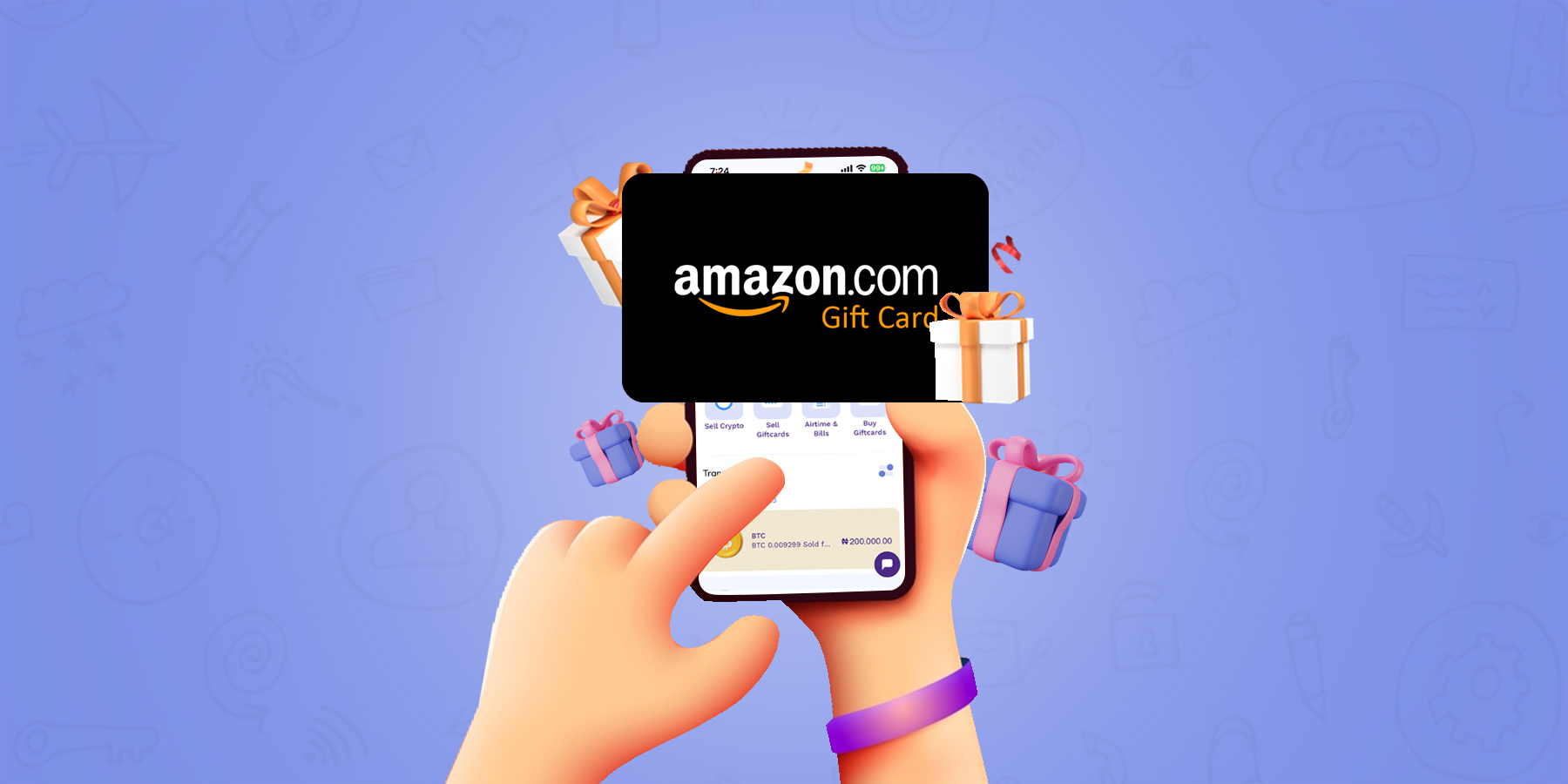
The Amazon Gift Card is a prepaid card that can be used to purchase goods and services on Amazon. You can use the gift card to redeem various items from Amazon or exchange them for cash. Businesses buy it in bulk to either reward their employees or customers.
How Does It Work?
The Amazon Gift Card can be redeemed against virtually any item sold by Amazon, including physical goods such as books and CDs, digital media such as MP3s, videos, apps and games, among others. Gift cards are also accepted at the many third-party merchants who sell through Amazon’s Marketplace platform.
7. What Is The Difference Between An Amazon Gift Card And A Debit/Credit Card?
There are several differences between an Amazon gift card and a debit/credit card:
A debit/credit card lets you spend your own money on anything that accepts credit cards — from groceries to books at an online bookstore like Amazon — without having to carry cash with you everywhere you go;
An Amazon gift card is only good for purchases on the site itself (or at certain third-party retailers);
8. What is Amazon card in Nigeria?
An Amazon gift card is a card that has been pre-loaded with a predetermined amount of money and can be used to purchase any item from the Amazon store. The buyer can use their Amazon gift card to buy anything on Amazon and other Amazon-branded retail stores.
Amazon gift cards are available in several denominations, ranging from $1 to $2000. The cards can be used immediately after receiving them, but it takes about 3 days for the funds to be added to your account balance and ready for use. However, you do not have access to these funds until they are activated by entering a code on your computer or mobile device.
9. Where can I use Amazon card?
Amazon Cards can be used for a wide variety of purchases at Amazon.com, and at select physical retail stores.
You can use your card to make purchases on Amazon.com
10.How can I convert Amazon card to cash?
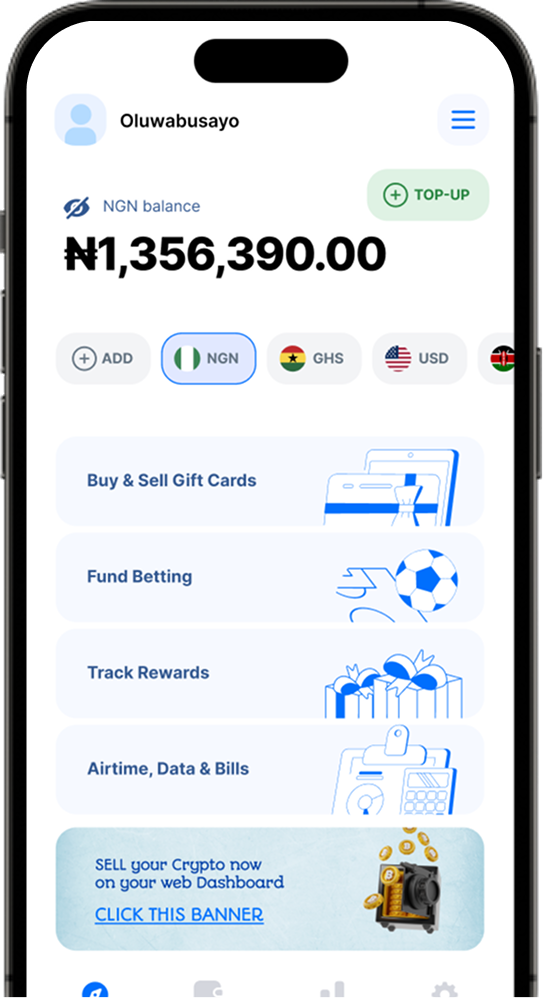
If you have Amazon gift card and need to convert it into cash, there is no better place than the 1MinutePay app. This is because this app allows you to exchange your Amazon gift card for Naira in less than a minute.
11. What is the highest amount of Amazon card?
The highest amount of Amazon gift card is $500. The lowest amount is $5.
The highest amount of Amazon gift card is $500. The lowest amount is $5.
The maximum value of the Amazon gift card is $500 and minimum value is $5.
12. How do I use an Amazon gift card in Nigeria?
Amazon gift cards are the most popular gift cards in the world. It’s no surprise that they’re also the most popular in Nigeria. But before you can use your Amazon gift card, you need to know how to use an Amazon gift card in Nigeria.
You can redeem Amazon gift card by yourself by following these 3 simple steps.
-
Sign in to your Amazon account.
-
Go to the “Gift cards” section.
-
Click on “Redeem Amazon Gift Cards”
-
Enter your gift card claim code.
-
Then click the “Apply to your balance” button.
13. How do Amazon gift cards work?
Amazon gift cards are a great option for anyone who loves shopping online. They can be used to buy any item on Amazon, and they’re available in a wide range of denominations. Here’s a rundown of the basics:
Gift cards are available in physical form (cards or codes), or as digital codes emailed to you.
You’ll need to provide your own shipping address, so you can’t send them to yourself.
If you want a physical card, choose “In-Store Pickup” when you check out. You don’t have to pay for it at that time — just make sure to pick it up before it expires!
14. Can an Amazon gift card be used in any country?
Yes, an Amazon gift card can be used in any country. You can use it to buy anything on the Amazon US website.
You can also use a gift card to purchase items from Amazon’s other websites: Amazon.com.au, Amazon India, and so on.
If you’re buying from a different country than the one specified on your gift card, then you’ll need to follow these steps:
1) Go to the Gift Cards & Registry page by clicking here or searching for “Gift Cards” in the top navigation.
2) Click “Redeem a Gift Card” at the bottom of the Gift Cards & Registry Page.
3) Enter your 16-digit code into the box labeled Code and click Redeem.
In conclusion, Amazon Gift Cards are a versatile and convenient payment method for shopping on the world’s largest online marketplace. They make an excellent gift for any occasion and offer the recipient the freedom to choose from a wide range of products available on Amazon.